Assign Lead
Last updated: December 11, 2025
Overview: Assigns a lead to a team member within the Sendblue Dashboard
To use the Assign Lead step:
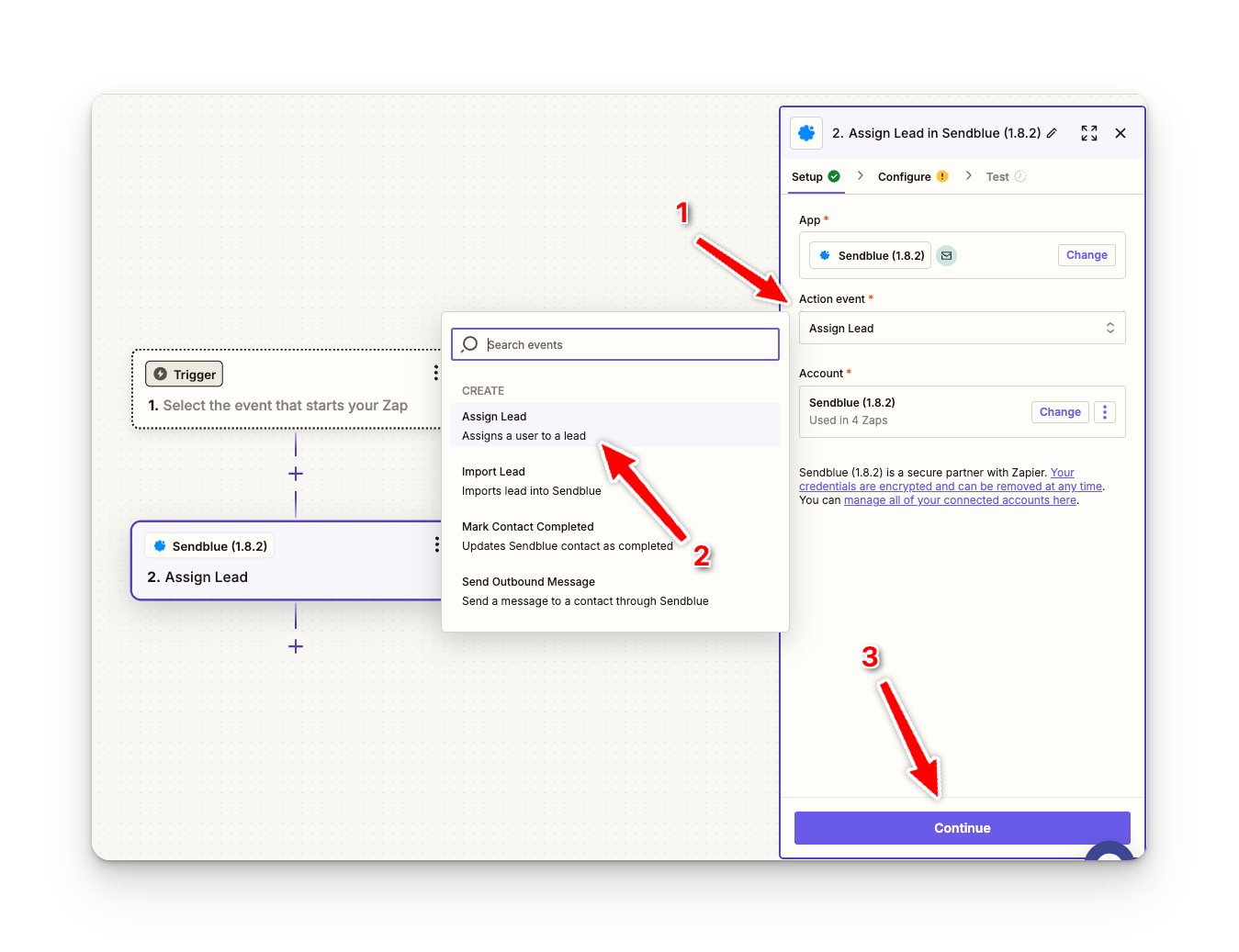
Create a new step
Choose an Action Event
Select Assign Lead and Continue
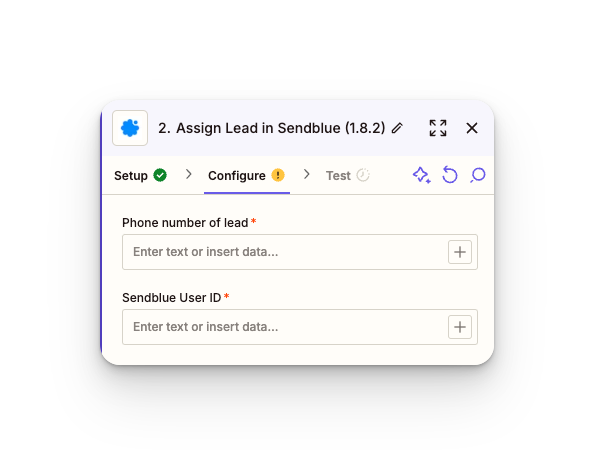
For Phone Number, we want to enter a custom variable for the recipients number
Sendblue User ID - The Sendblue User ID you would like the lead assigned to
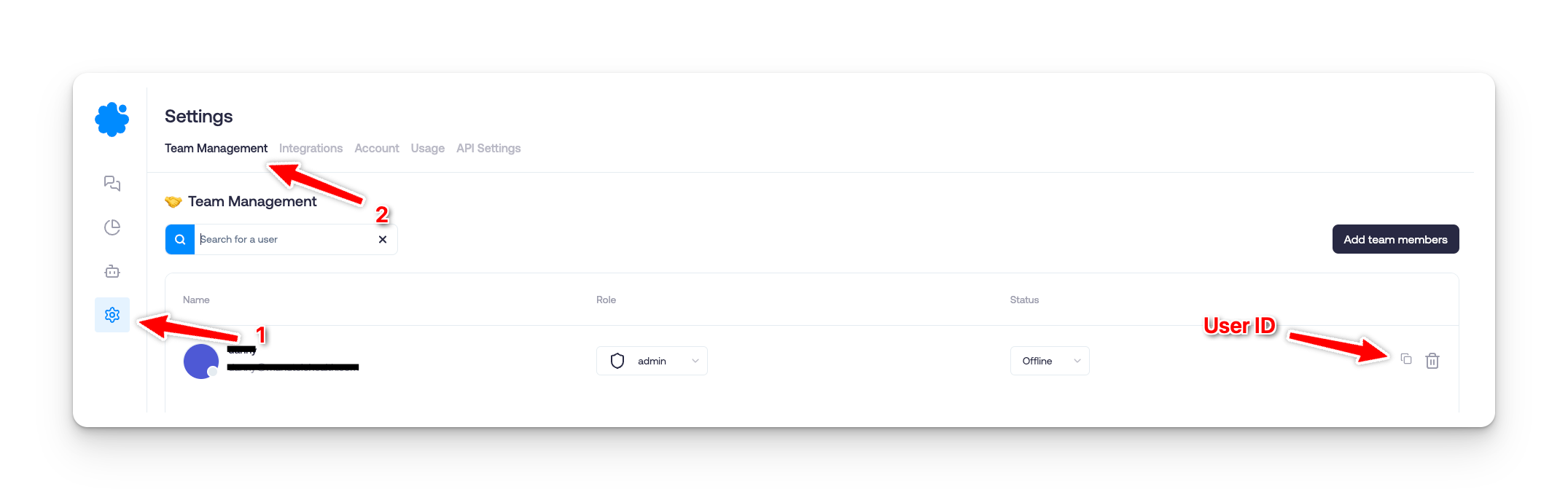
You can find the User ID under Settings > Team Management > Copy User ID