Sendblue Mobile App
Last updated: December 5, 2025
Sendblue currently has an iOS app in which you can use to communicate with your customers
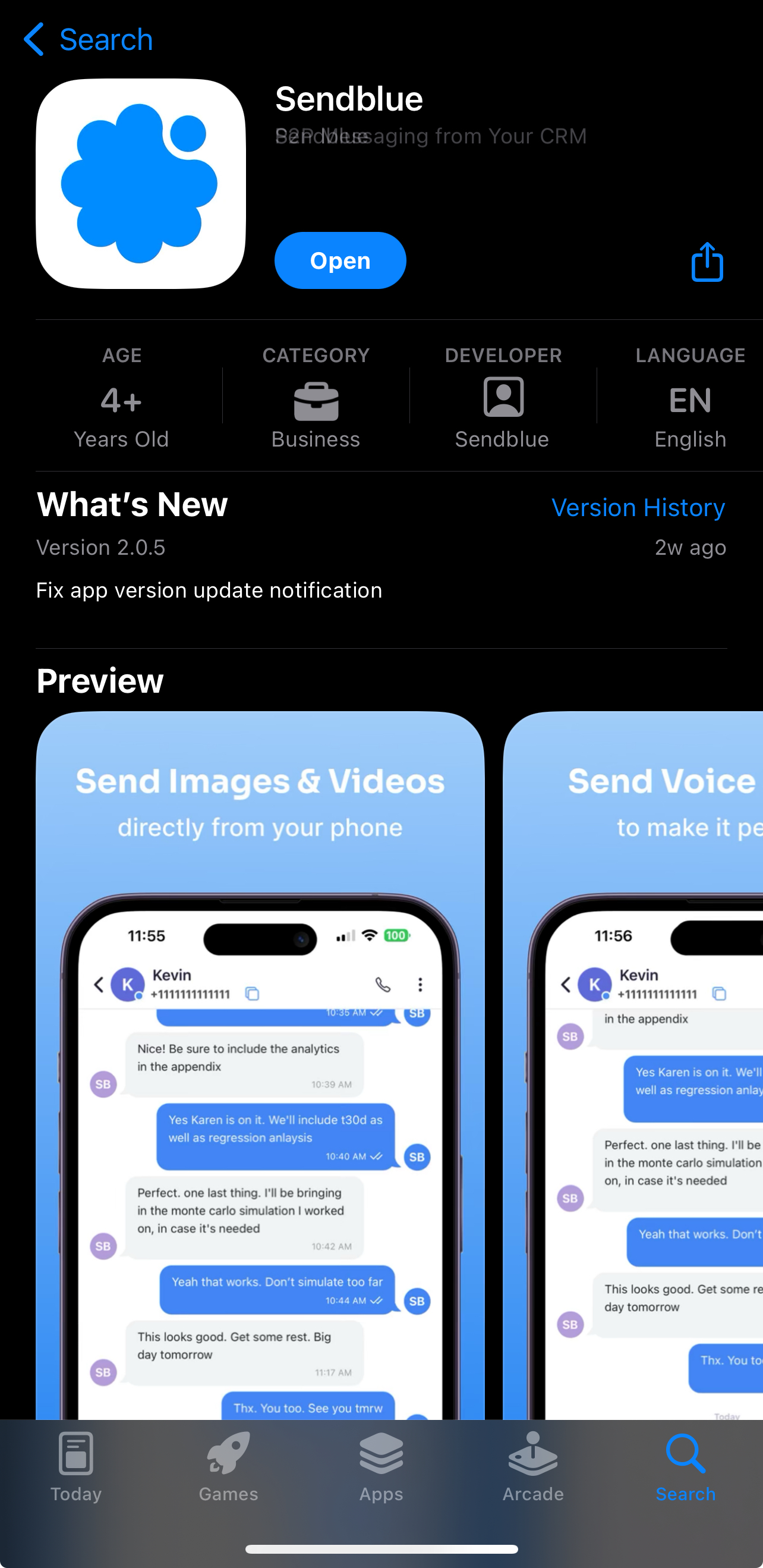
Download the Sendblue app from App Store
Log in to your Sendblue account
Note: use your same login credentials as Sendblue desktop version
Once logged in, you'll be able to access your conversations and message your leads on the go.
Additional Features:
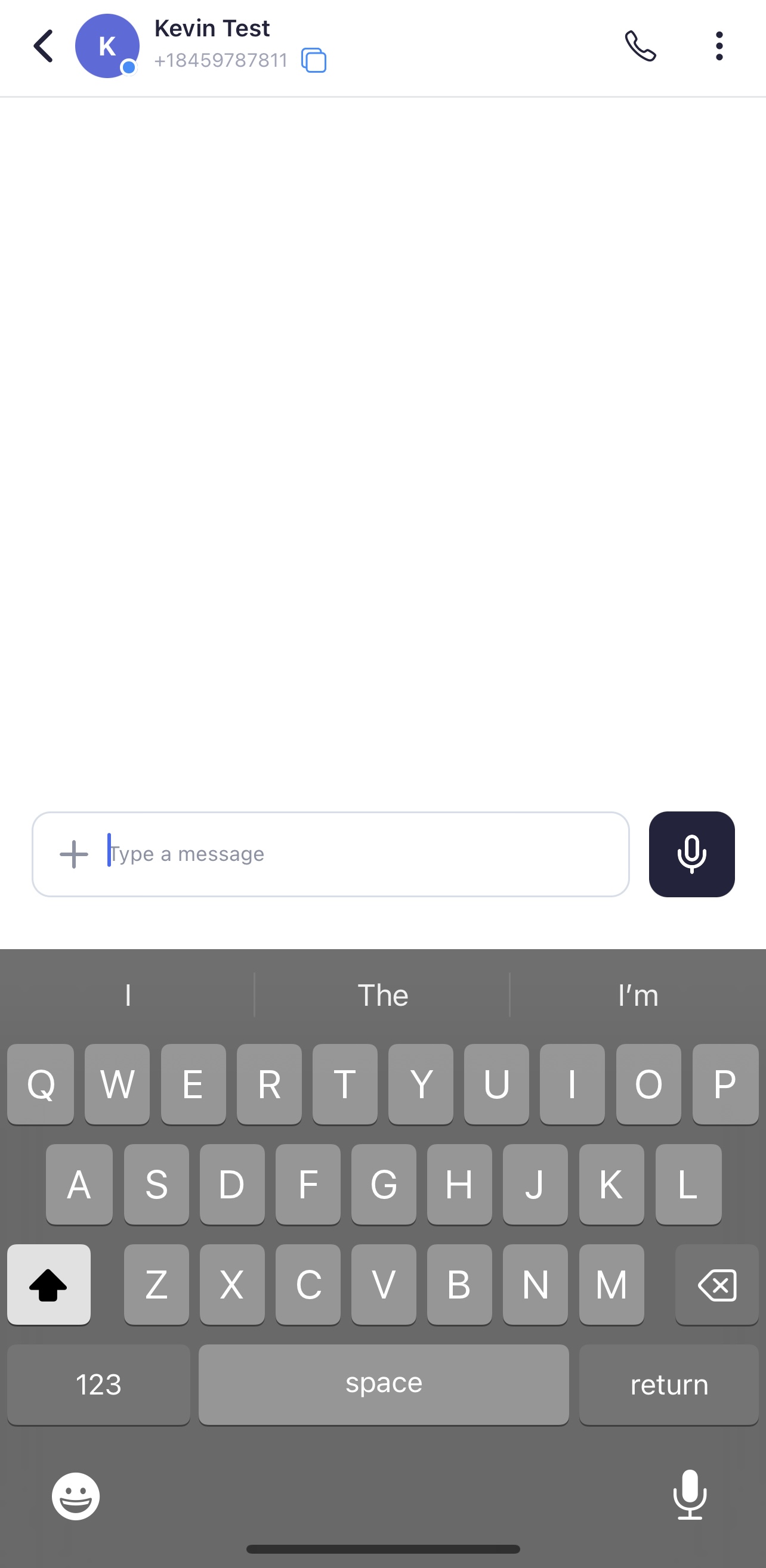
You are able to message your contacts using your iPhone keyboard as normal. From here you'll be able to use emoji's or record a voice memo via your iPhone
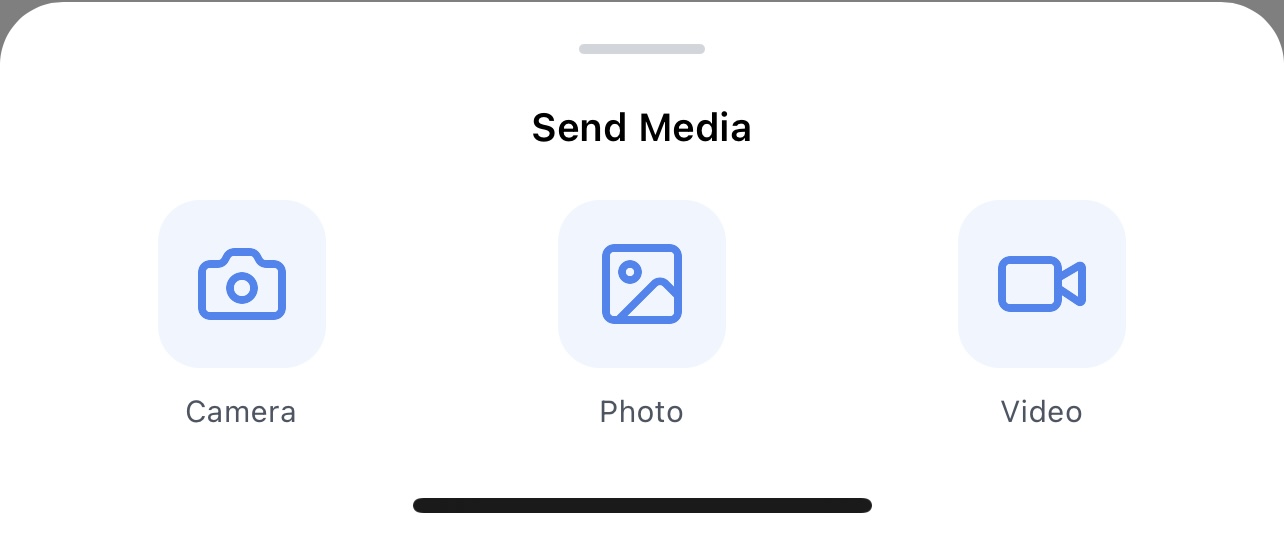
You are also able to take a picture/video or upload media directly to the conversation
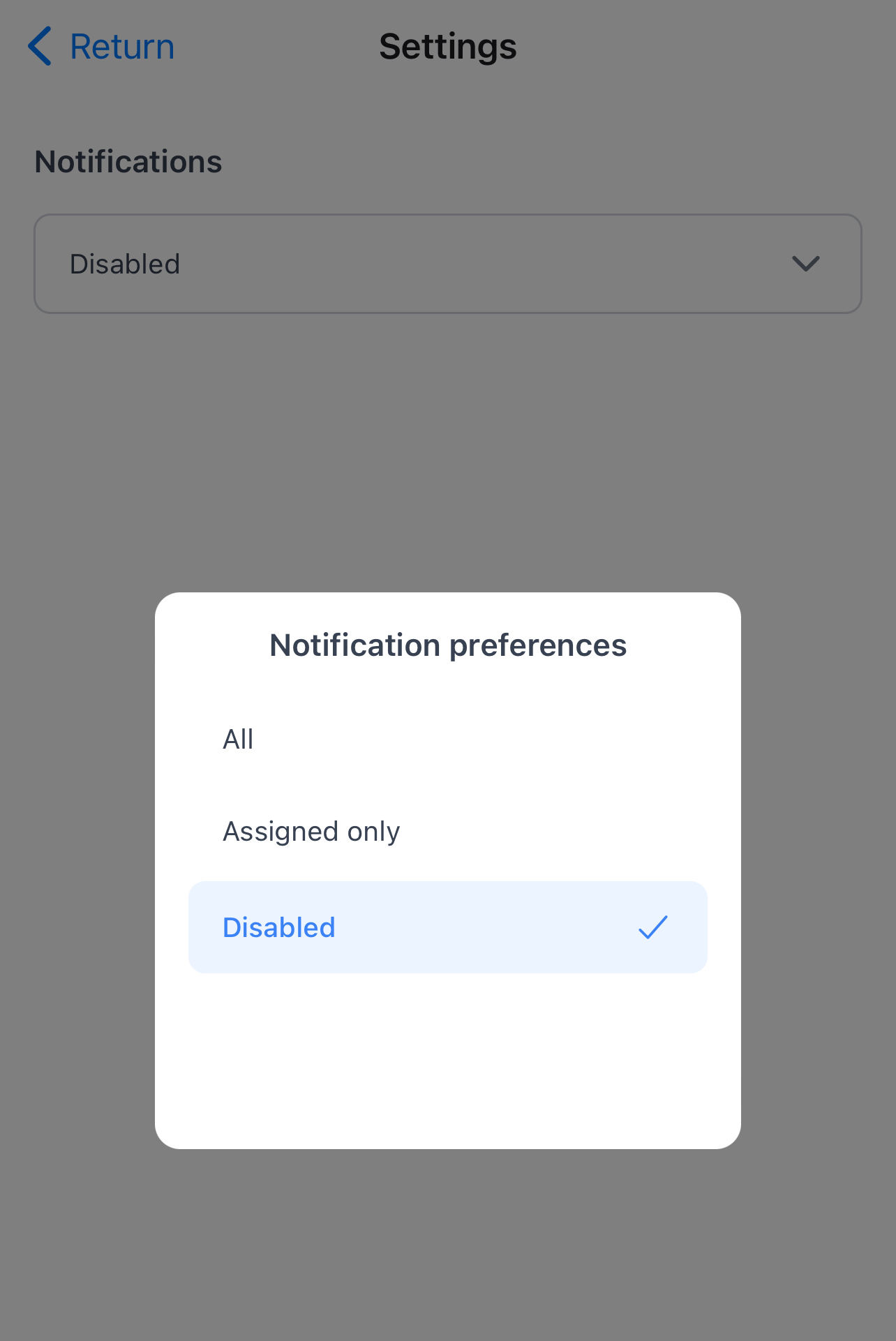
In the settings, you'll be able to choose your notification preferences to be able to receive push notifications directly to your phone.
If you aren't able to receive notifications but they are enabled via the in app settings, make sure to navigate to iOS settings to allow notifications from "Sendblue"