Hubspot
Last updated: April 23, 2026
Step-by-Step Integration Guide
1. Access Integrations in Sendblue
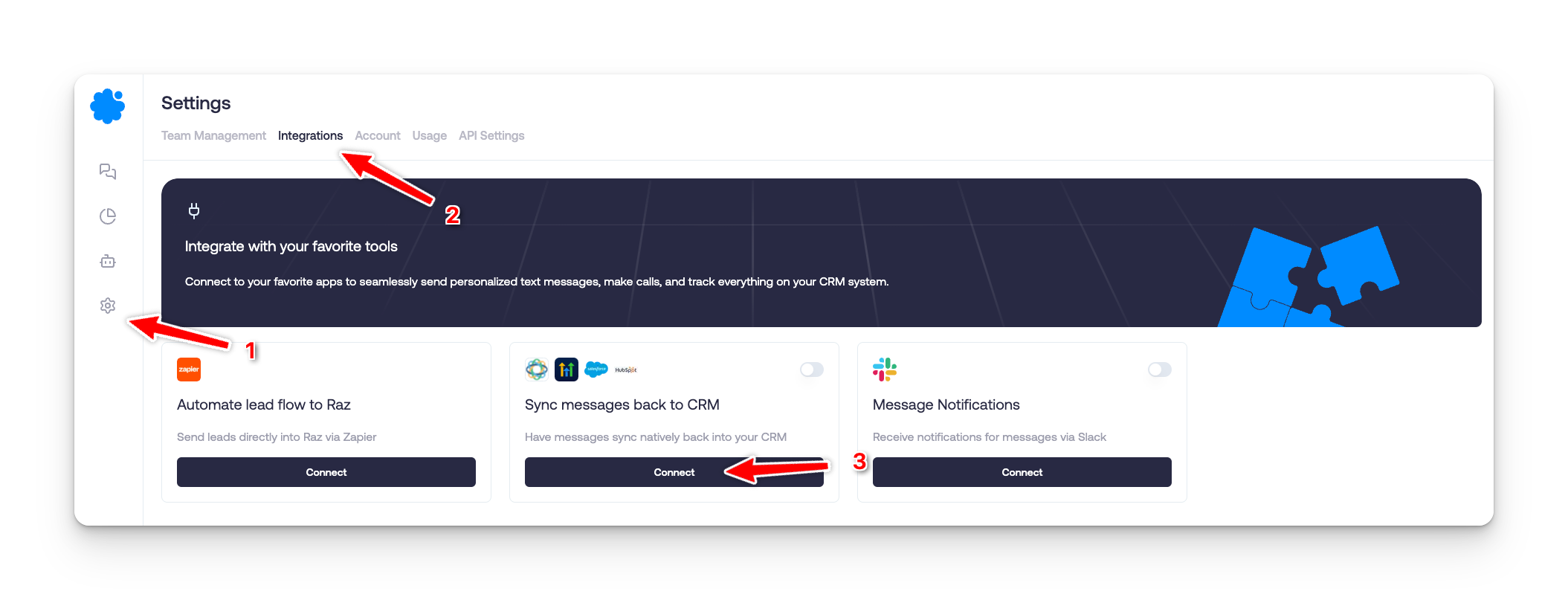
Navigate to Settings on the left sidebar.
Click on Integrations.
Locate Sync messages back to CRM and click Connect.
2. Sign into HubSpot
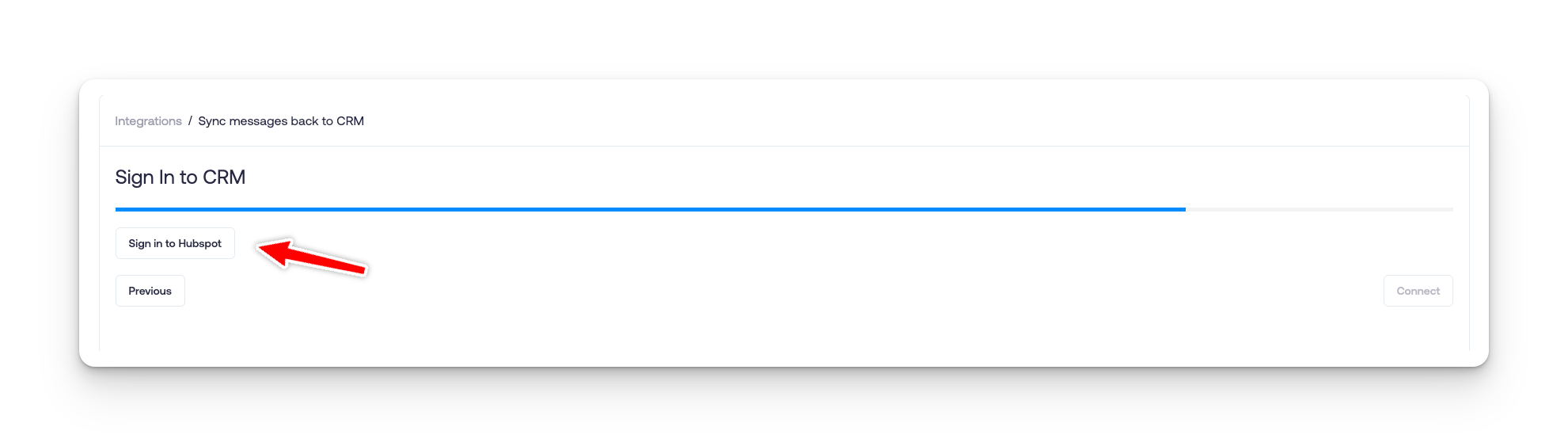
Click Sign into HubSpot when prompted.
Enter your HubSpot credentials.
3. Choose Your HubSpot Account
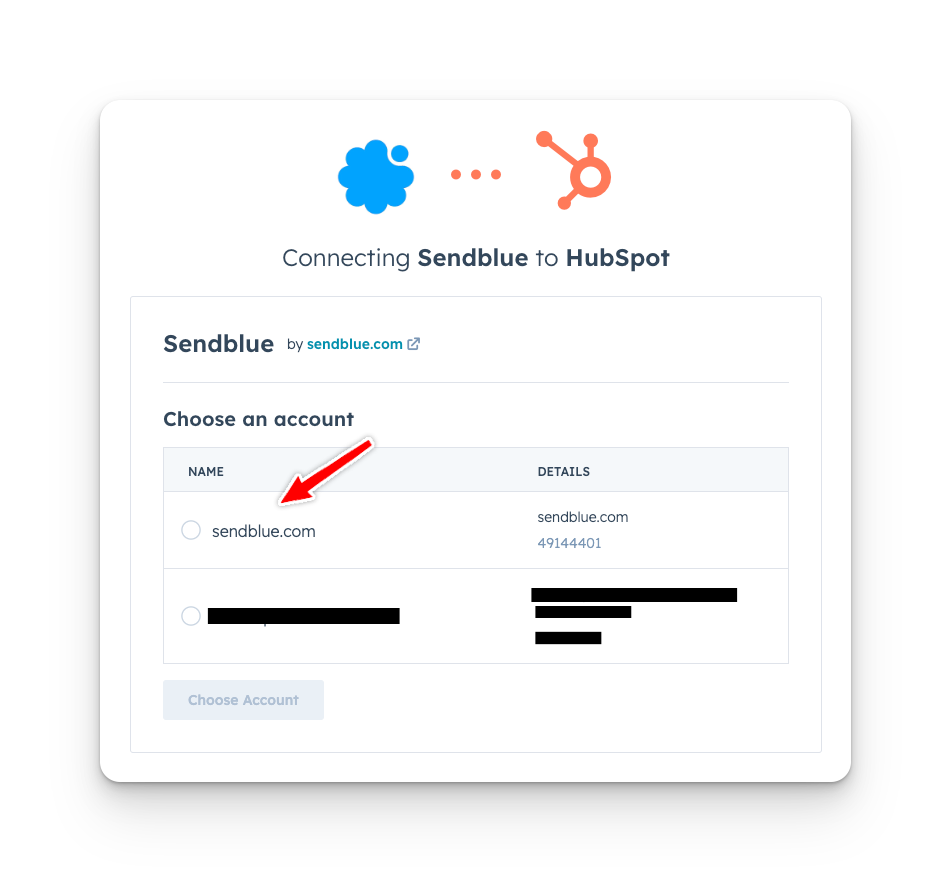
Select the HubSpot account you want to connect.
Click Choose Account to proceed.
4. Finalize the Integration
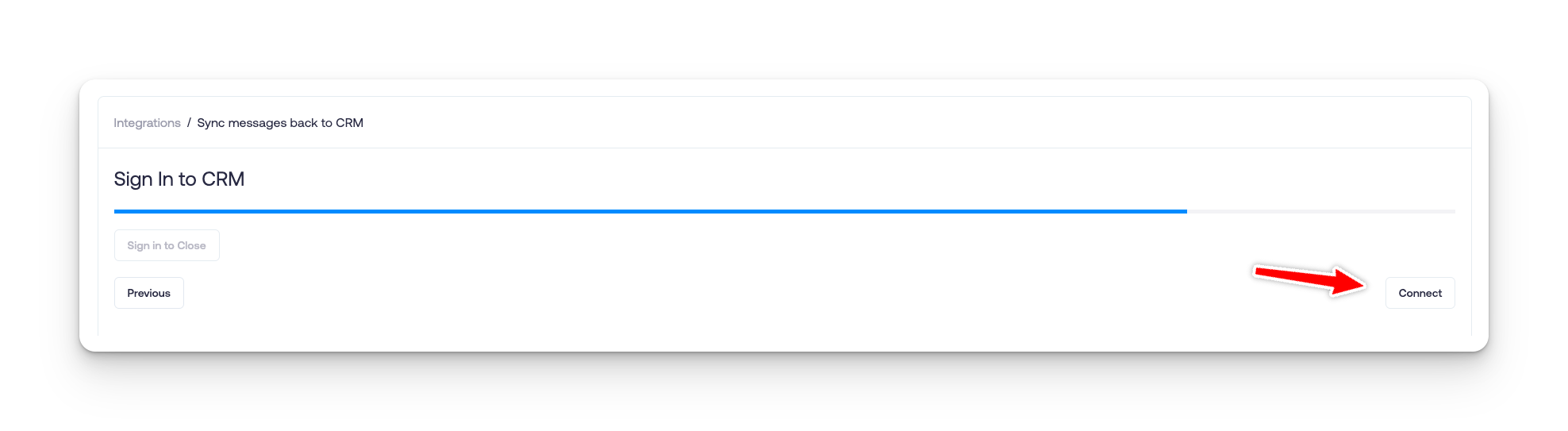
Click Connect to complete the integration.