Assigning Phone Lines to Users in Sendblue Dashboard
Last updated: December 11, 2025
Objective
This SOP outlines the steps to assign specific phone lines to users within the Sendblue dashboard.
Steps
Step 1: Access Account Settings
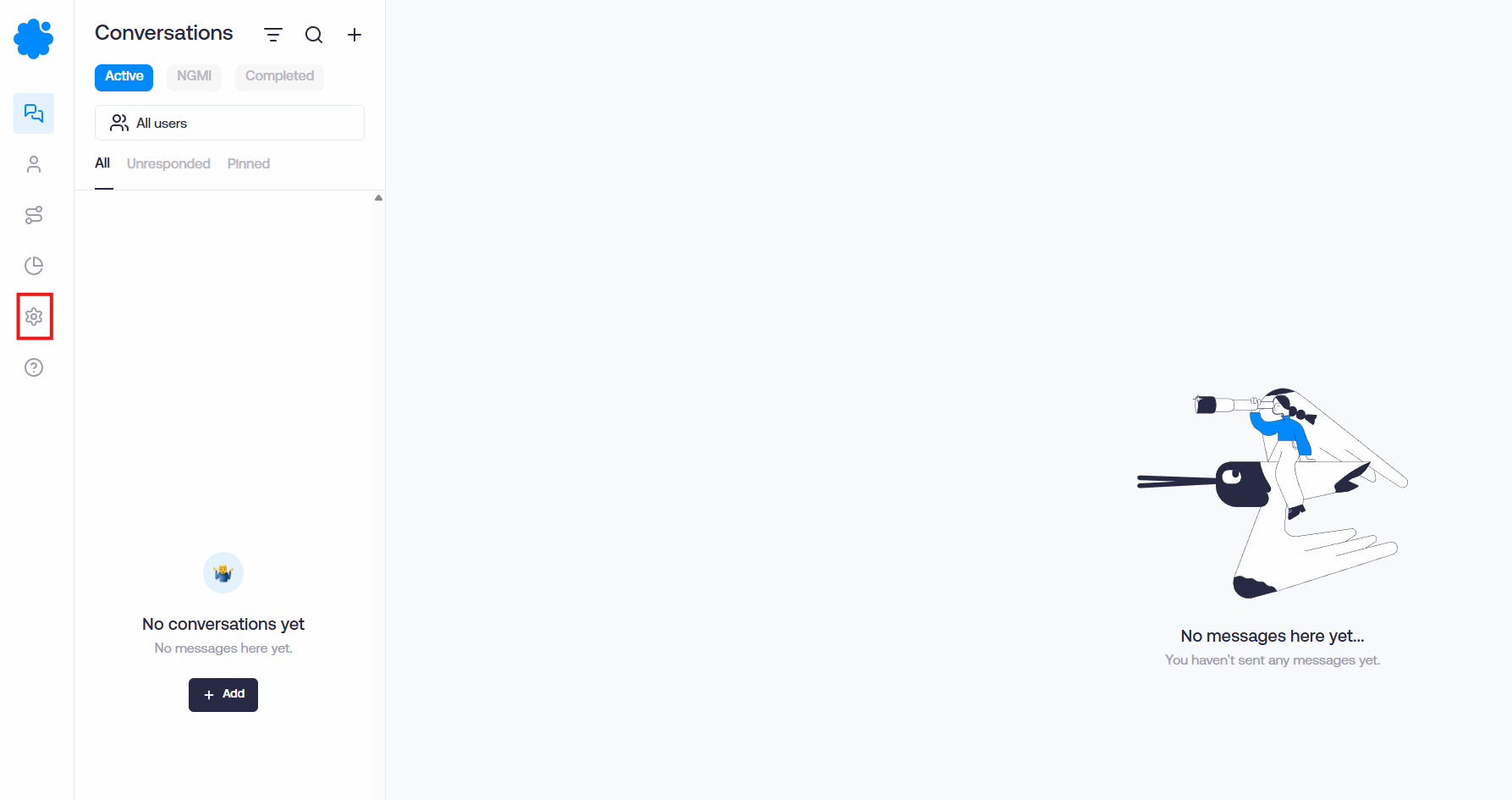
Navigate to the Dashboard.
Click on 'Account Settings' to access the settings menu.
Step 2: Add Users
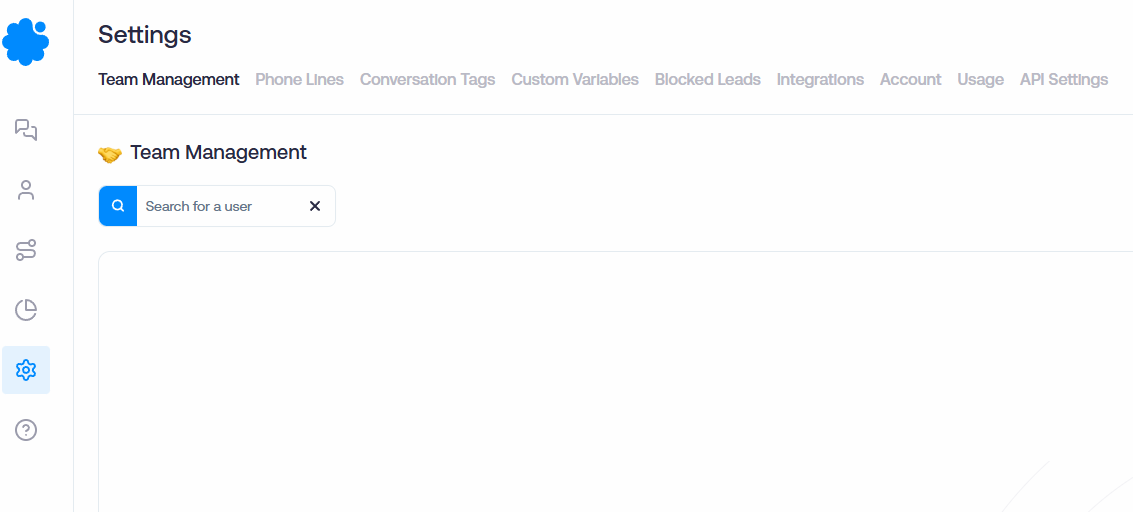
If you need to add new users, do so in the account settings.
Ensure that multiple users are listed in your account.
Step 3: Enable Phone Line Assignment
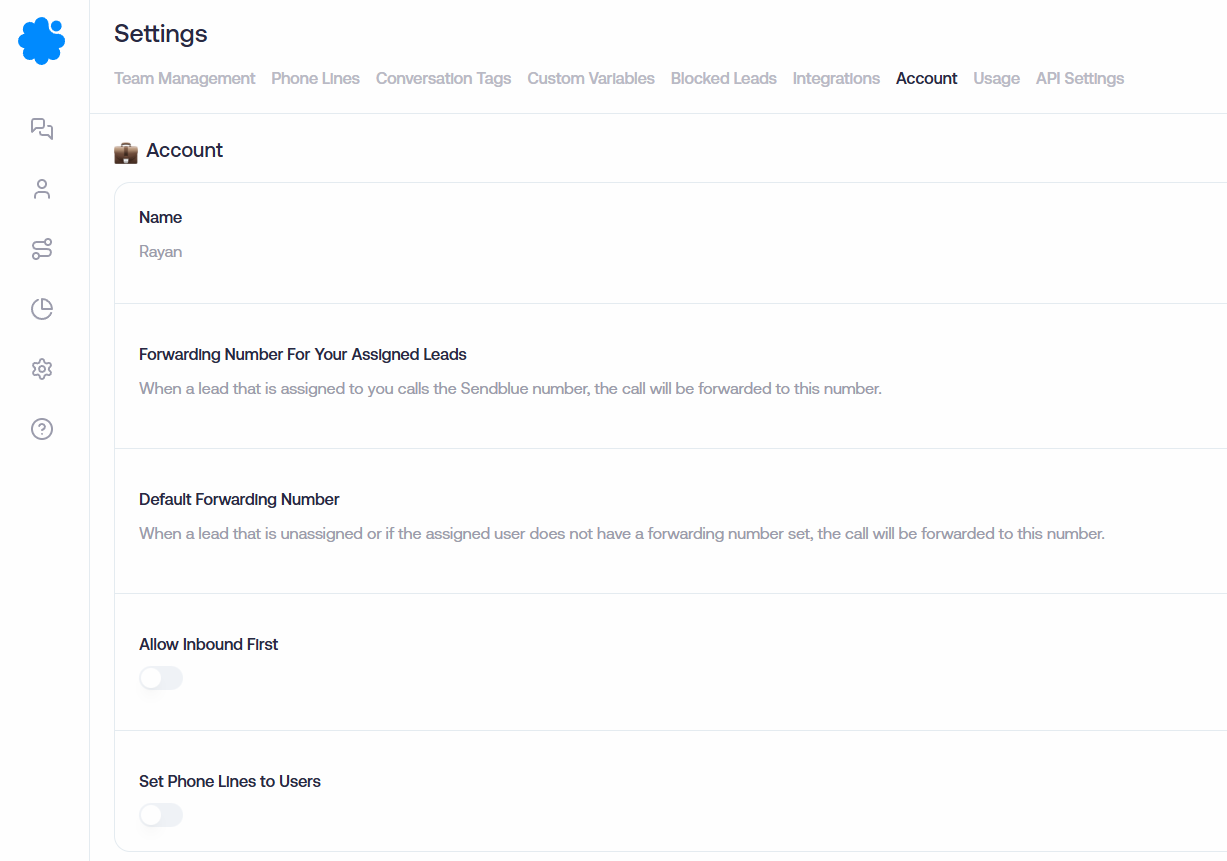
In the account settings, locate the option to set phone lines to users.
Turn on the phone line assignment feature.
Click 'Save' to apply the changes.
After saving, refresh your page to see the updates.
Step 5: Assign Phone Lines to Users
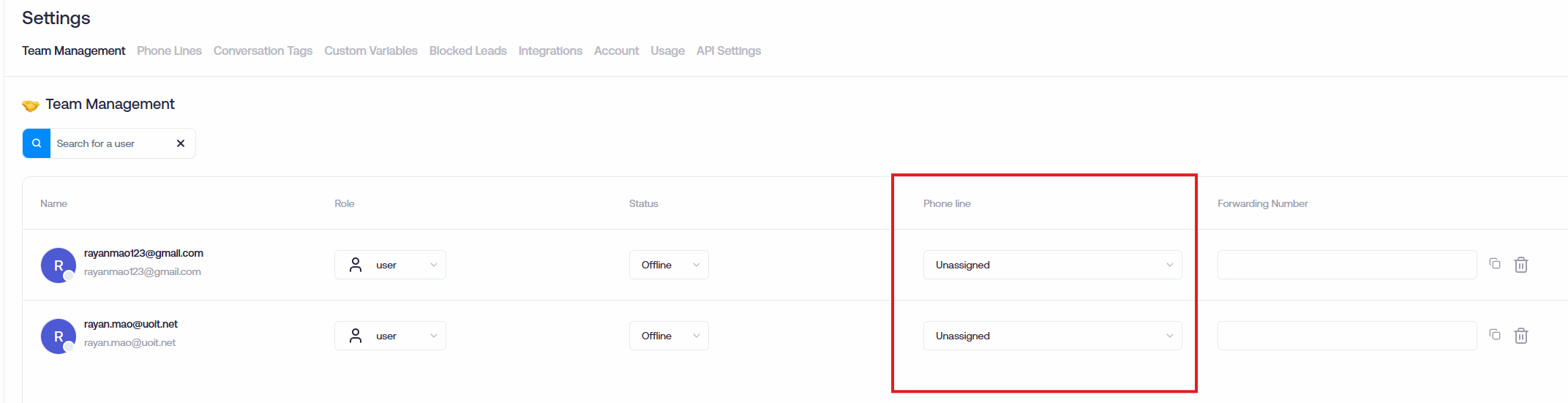
Once the page is refreshed, you will see options to toggle and assign specific phone lines to the users you have added.