Forwarding Numbers
Last updated: June 2, 2026
Objective
This SOP outlines the steps to set up forwarding numbers for individual users in the Sendblue dashboard, ensuring proper lead assignment and communication for inbound calls.
Head to the Sendblue Dashboard
Click on "Settings"
Head to "Account"
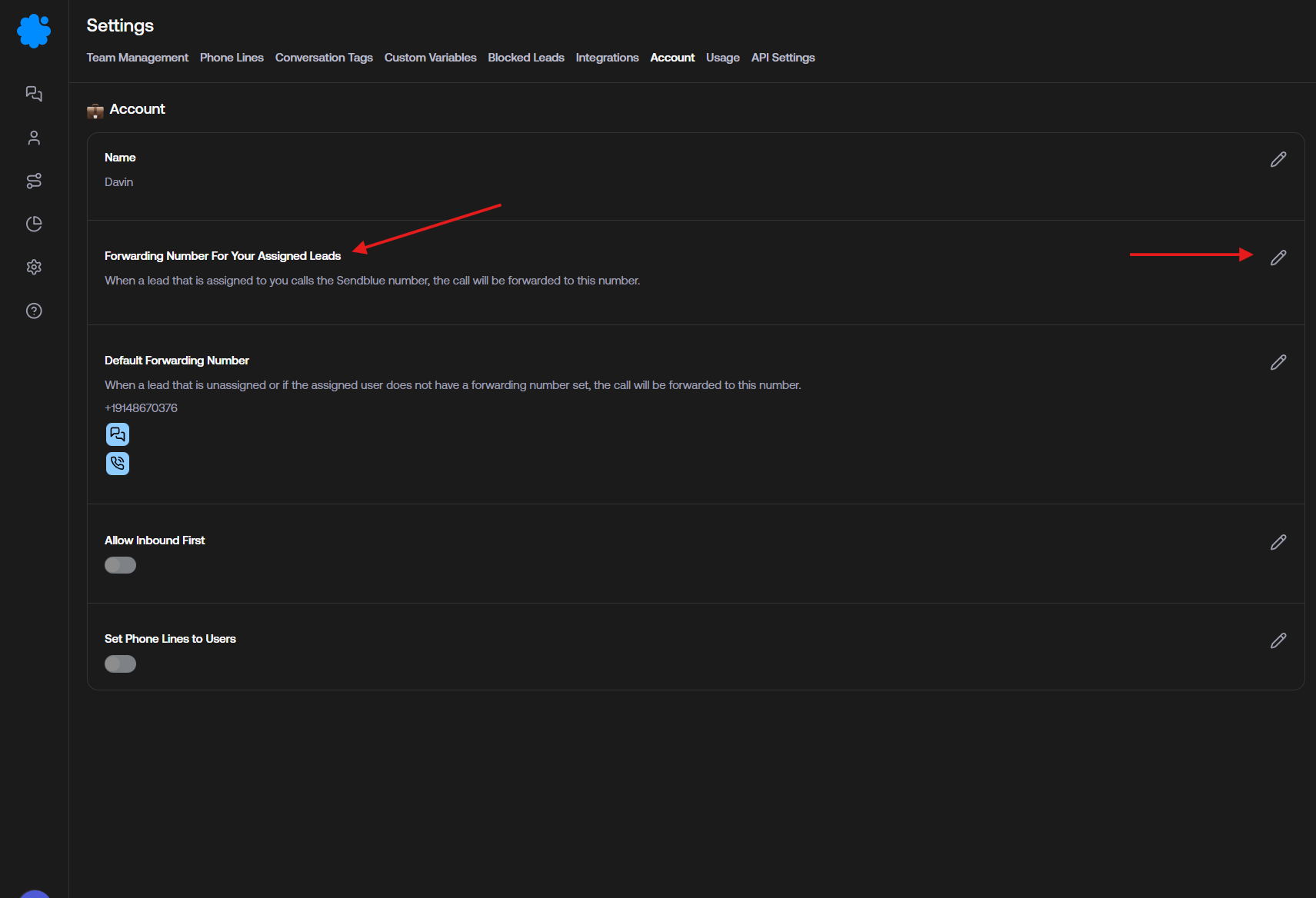
Locate the Forwarding Number for Assigned Leads.
Note that each user can have their own forwarding number by accessing Team Management.
5. Default Forwarding Number Usage
If a user does not have a specific forwarding number assigned, the system will automatically use the Default Forwarding Number.