How to Use the Sendblue Power Dialer
Last updated: June 29, 2026
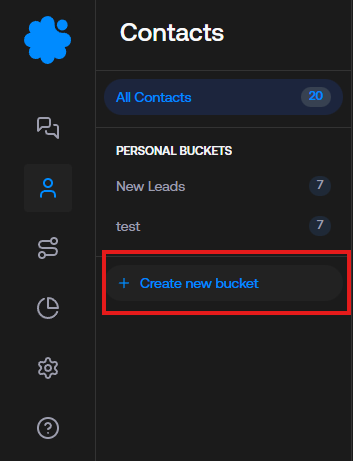
To access the power dialer, navigate to the contact tab on the Sendblue dashboard
Click 'create new bucket'
Specify the lead characteristics for your dialing session via the filter categories
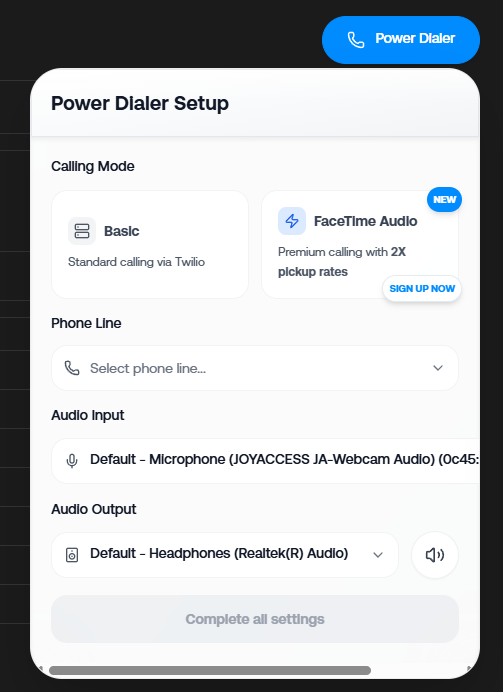
Click the blue power dialer button in the top right corner to begin your dialing session. If you do not have facetime audio enabled on your account select 'basic', select the phone line you want to dial from and make sure your microphone is enabled
Begin Dialing! After every call, set the disposition (if the end result of the call met your criteria click the checkmark, if it did not click the x)
Continuing Dialing until all leads in the bucket have been called
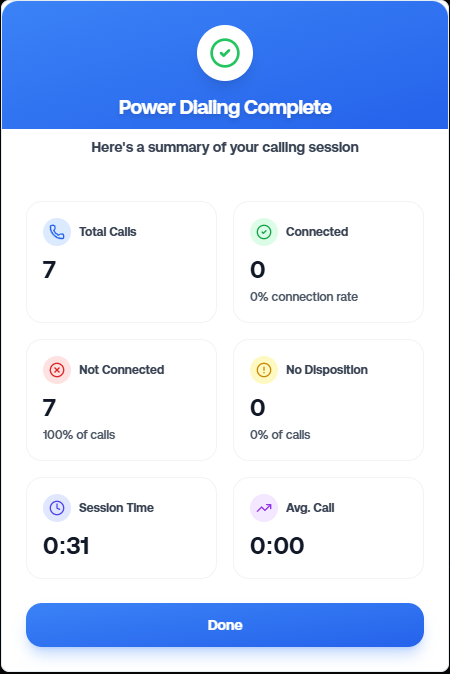
Review your analytics after the session is complete
See this video below for a step by step guide