Close.io
Last updated: March 17, 2025
Step-by-Step Integration Guide
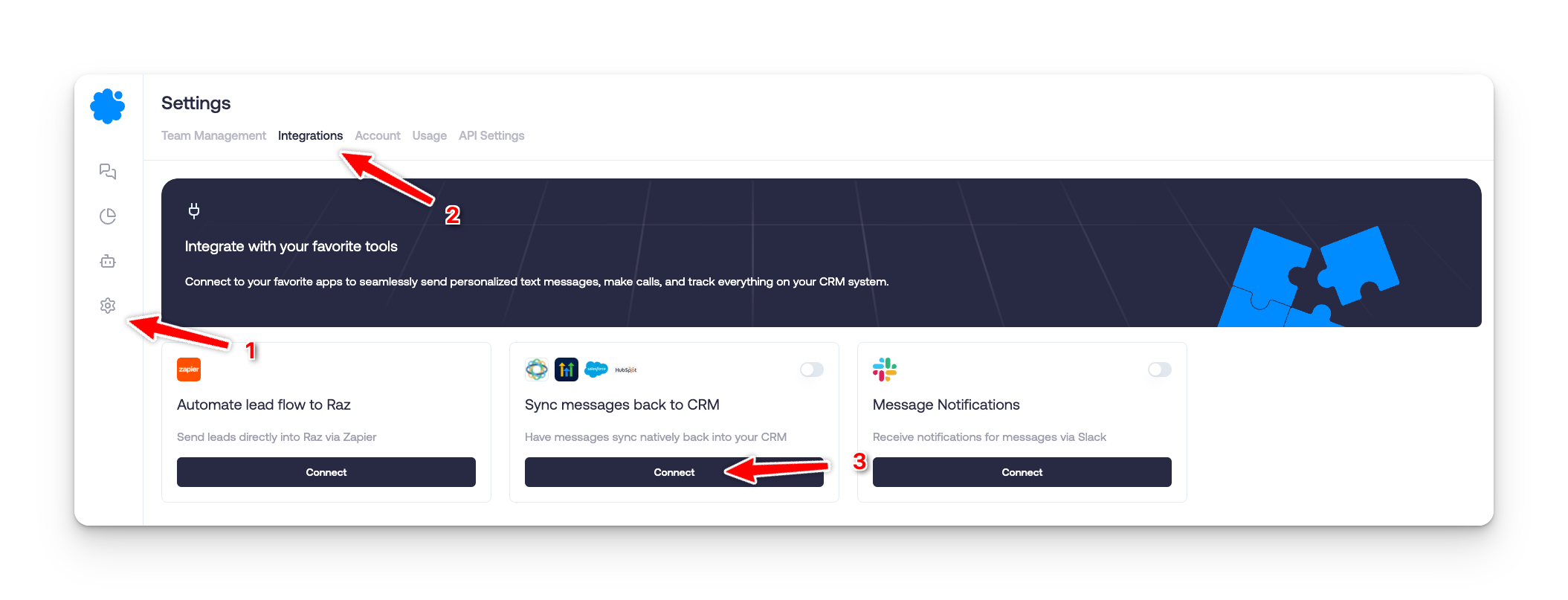
1. Access Integrations in Sendblue
Navigate to Settings on the left sidebar.
Click on Integrations.
Locate Sync messages back to CRM and click Connect.
2. Choose Close.io
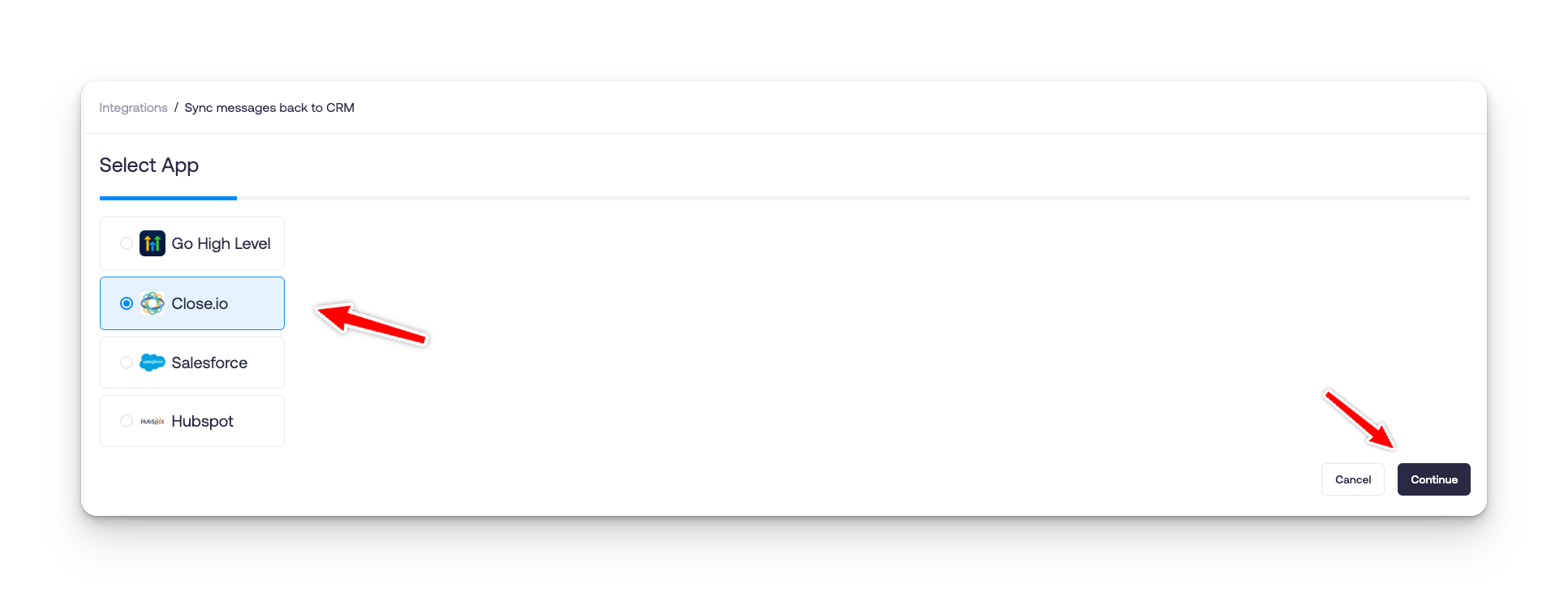
Select Close.io from the integration list.
Click Continue to proceed.
3. Sign in to Close.io
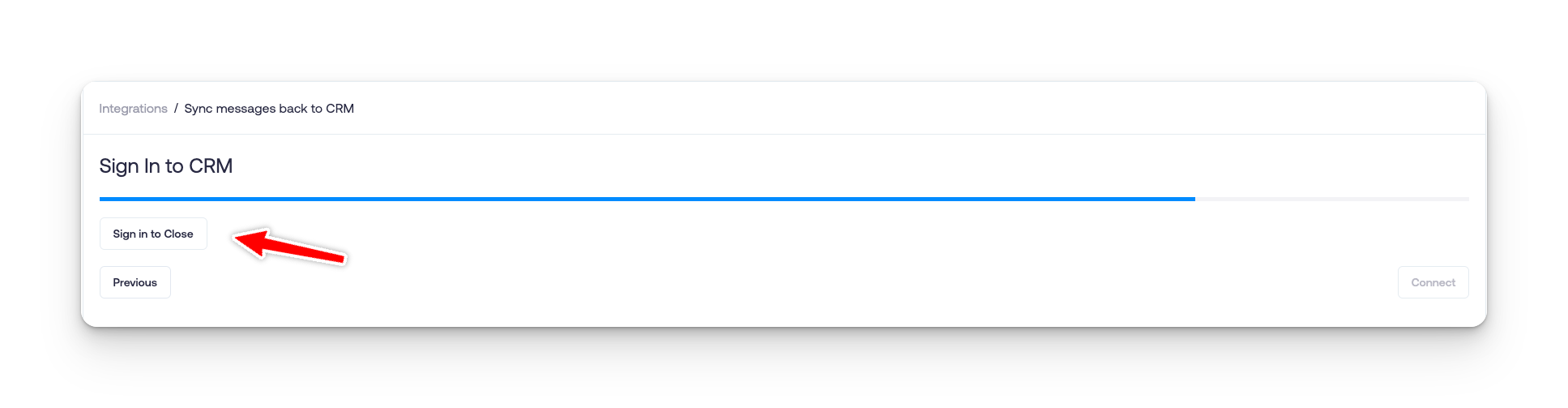
Click Sign in to Close when prompted.
Enter your Close.io credentials.
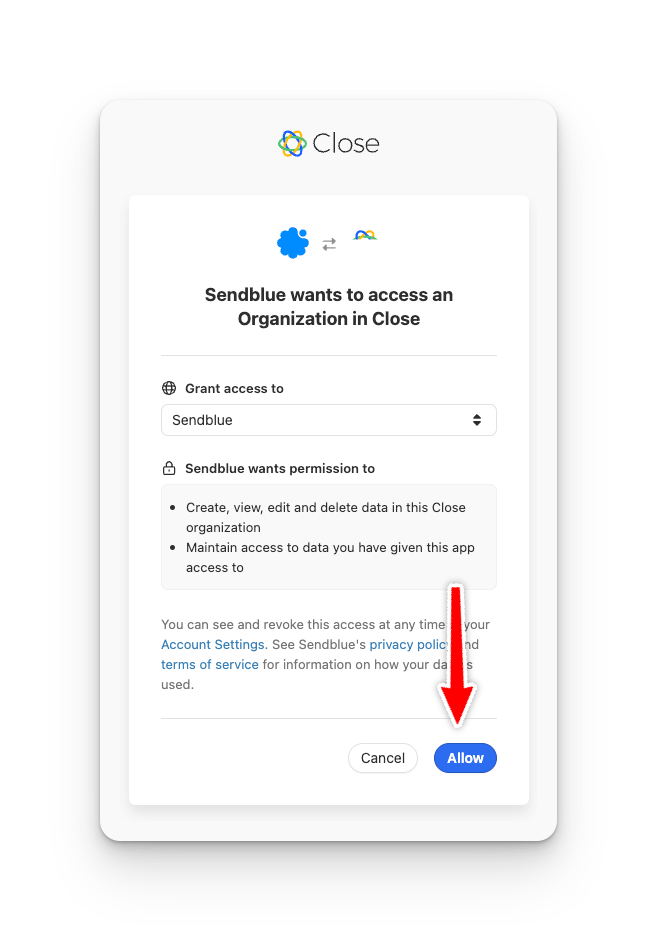
Press Allow to grant permissions.
4. Finalize the Integration
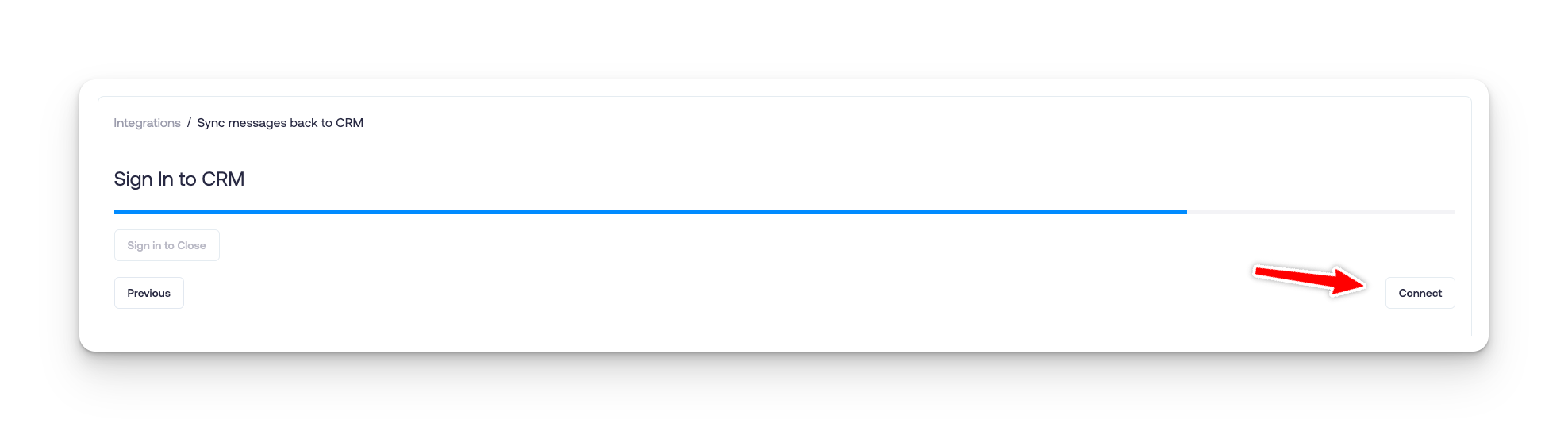
Click Connect to complete the integration.