Sending Media Content
Last updated: April 17, 2026
Overview
Sending media content, such as videos and images, can enhance engagement in Sendblue. To ensure optimal delivery and user experience, follow these best practices for sending media.
Video Content
Optimal Specifications:
Size: 10-20MB
Length: Under 2 minutes
Format: Send natively (not as links)
.MOV File Format for Video
MP3/M4A File Format for Voice Memos
Important Notes:
Files over 20MB may experience delayed delivery.
Sending videos as native files rather than links improves engagement and prevents messages from being flagged as spam.
Compressing Videos: If your video exceeds the size limit, send it to an iPhone user and download that file. Apple will automatically compress it, making it easier to send.
Media Sending for iPhone vs. Android
iPhone: Sendblue supports all media types, including videos, images, and voice memos.
Android:
Images and videos will send without issue.
Voice memos will be delivered to newer Android models but may not work on older ones.
Media Storage Options
GHL Media Storage: In GoHighLevel (GHL), you can store media files in the built-in media storage for easy access and management.
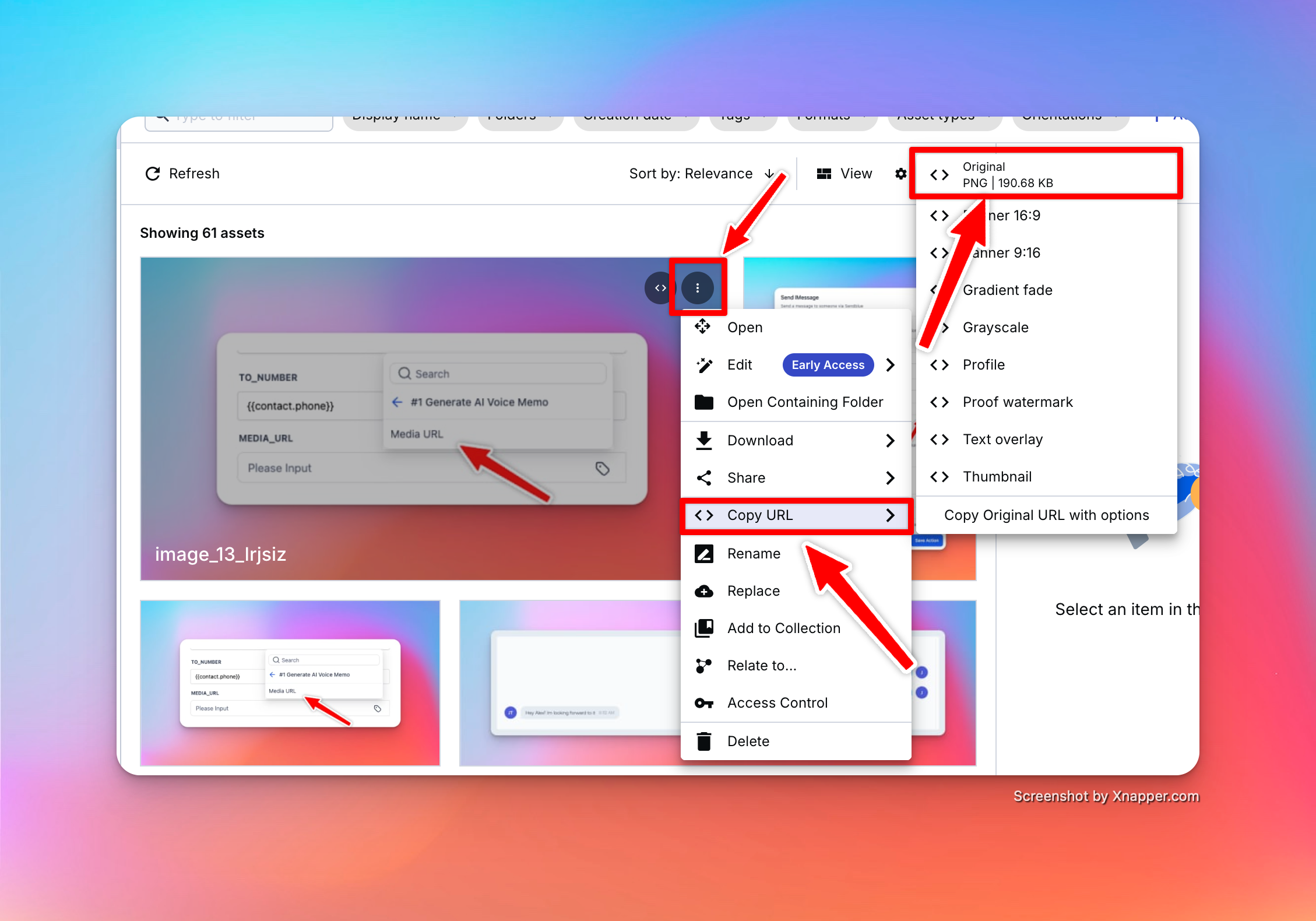
Zapier & Cloudinary: If using Zapier, you can utilize Cloudinary to store and send media efficiently.
Example Cloudinary URL https://res.cloudinary.com/dx63t9xbj/image/upload/v1738793173/image_13_lrjsiz.png