Account
Last updated: February 13, 2025
Overview
Customize your Sendblue account settings to ensure seamless team collaboration and call management. Follow these steps to configure your account name and call forwarding settings.
Step-by-Step Guide
1. Set Your Account Name
Display Name: Set your visible name for team members.
Where to Update: This can be configured on your first sign-in or under Account > Name.
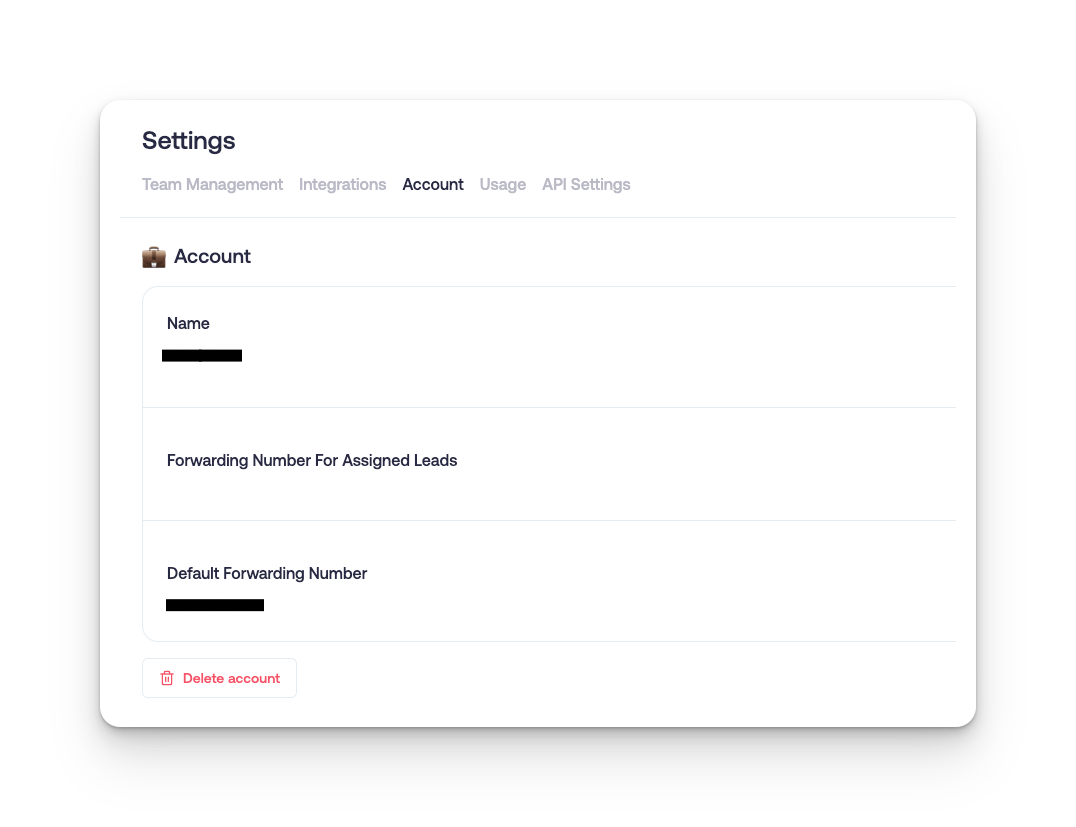
2. Configure Call Forwarding
Forwarding Number for Assigned Leads
Assign specific forwarding numbers for your account. If your account is assigned to a lead, when the lead calls the Sendblue number it will forward to this number.
Default Forwarding
Set the default number to receive all unassigned inbound calls to your Sendblue lines.