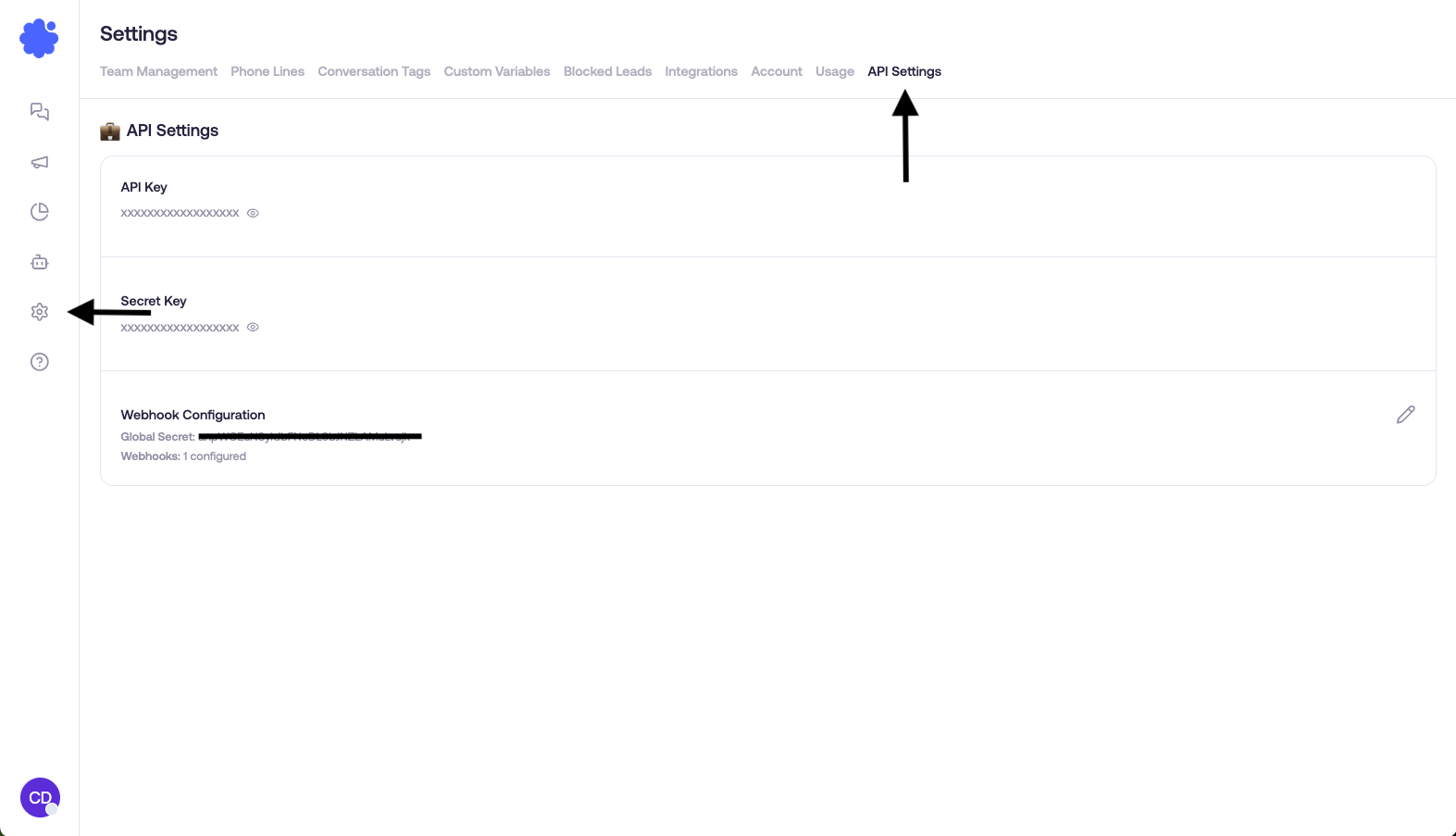
API Settings

Last updated: April 12, 2026

Last Updated: April 12, 2026


API Access Guide

Overview

API Settings is where you manage the account-level information needed for direct Sendblue integrations. This is the place to find your API credentials, confirm API access is enabled on the account, and configure account-level webhook details when your integration path uses them.

What you usually come here for

  • Copying your API key and secret for a direct Sendblue integration.

  • Adding or checking account-level webhook configuration.

  • Confirming whether API access is enabled for the account at all.

Before you start

  • Make sure you are using an admin-level seat with the permissions your account expects.

  • Treat API credentials like secrets — do not paste them into public threads or unsecured docs.

  • Know whether you are building a direct API integration or using a separate marketplace integration that has its own setup screen.

If API Settings looks unavailable

What you seeWhat to check next
A message like “Please reach out to Sendblue for access”Your account may need API access enabled.
The tab is missing for one user but visible for anotherCheck user role/permissions first.
You only need a specific marketplace integrationThat integration may use its own setup page under Integrations rather than the general API Settings page.

Best practice for getting started safely

  1. Open API Settings only from an admin account you trust.

  2. Copy credentials into your integration environment securely.

  3. Test with one simple request before building the full workflow.

  4. If you are using inbound automation, verify your webhook configuration before going live.

How to verify it worked

  1. Confirm the page shows active credentials or the expected access state.

  2. Run one small test call with those credentials.

  3. If you configured a webhook, send a test event and confirm your endpoint receives it.

  4. If a teammate cannot see the page, verify their role before assuming the credentials are missing.

Related guides