GoHighLevel
Last updated: April 12, 2026
Last Updated: April 12, 2026
Integration Setup Guide
Overview
Use this guide to connect a GoHighLevel sub-account to Sendblue so your GHL users can work with Sendblue messaging, automations, and conversation tools in the right account context. The most common failure here is not the connection button itself — it is connecting the wrong GHL level or skipping the post-connect checks.
What a healthy GoHighLevel setup should accomplish
Connect the correct GHL sub-account to the correct Sendblue account.
Preserve the intended messaging path and line behavior.
Make downstream GHL features like tags, media, calling, and the extension work in the account you actually use.
Before you connect
Confirm which GHL sub-account should be connected. Sendblue sending is tied to sub-accounts, not a vague agency-level assumption.
Make sure the Sendblue account itself is ready so you do not confuse integration setup with unrelated line or workflow issues.
Know whether you also need the follow-on docs for Twilio calling, media storage, the mobile app, or the Chrome extension.
Recommended connection flow
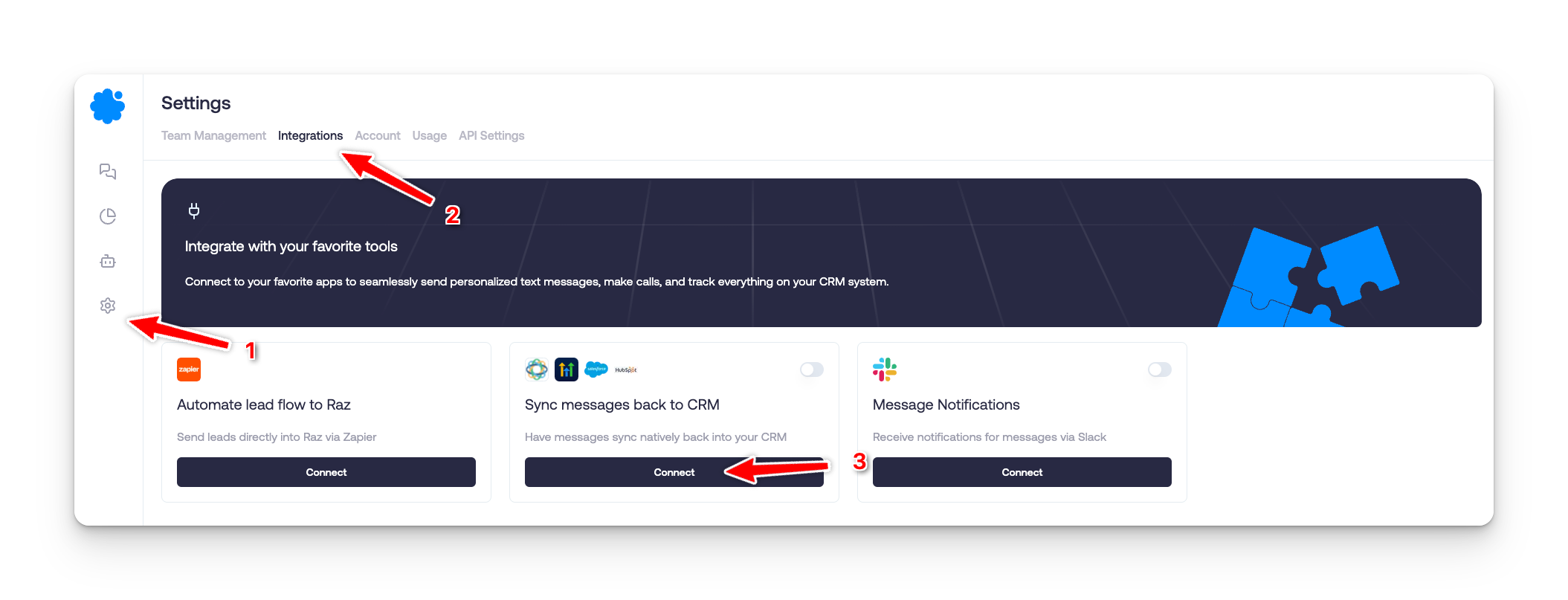
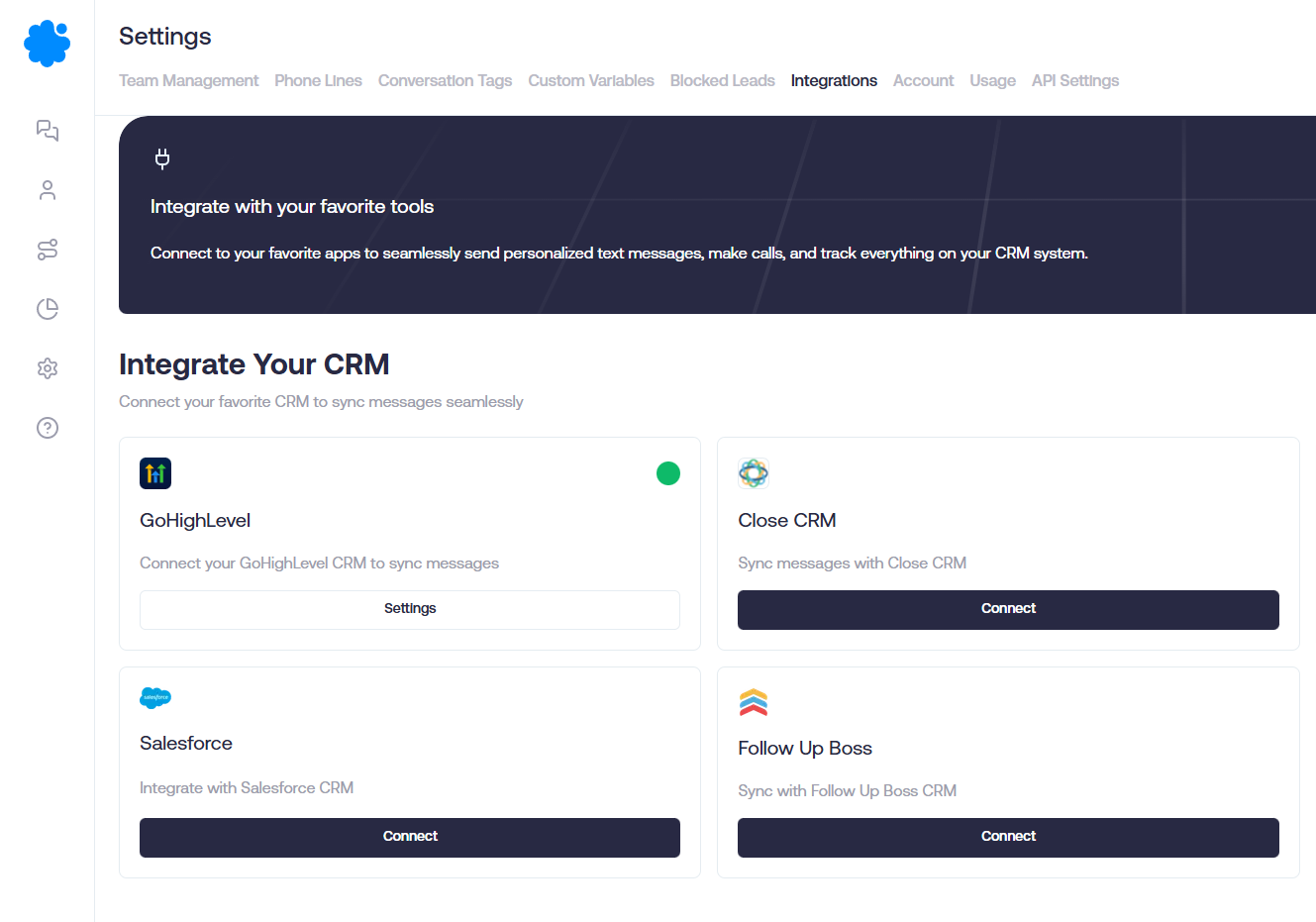
In Sendblue, go to Settings and open Integrations.
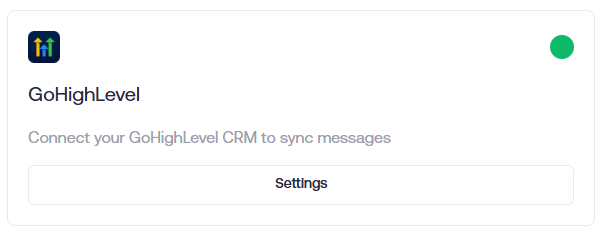
Choose GoHighLevel from the integration list.
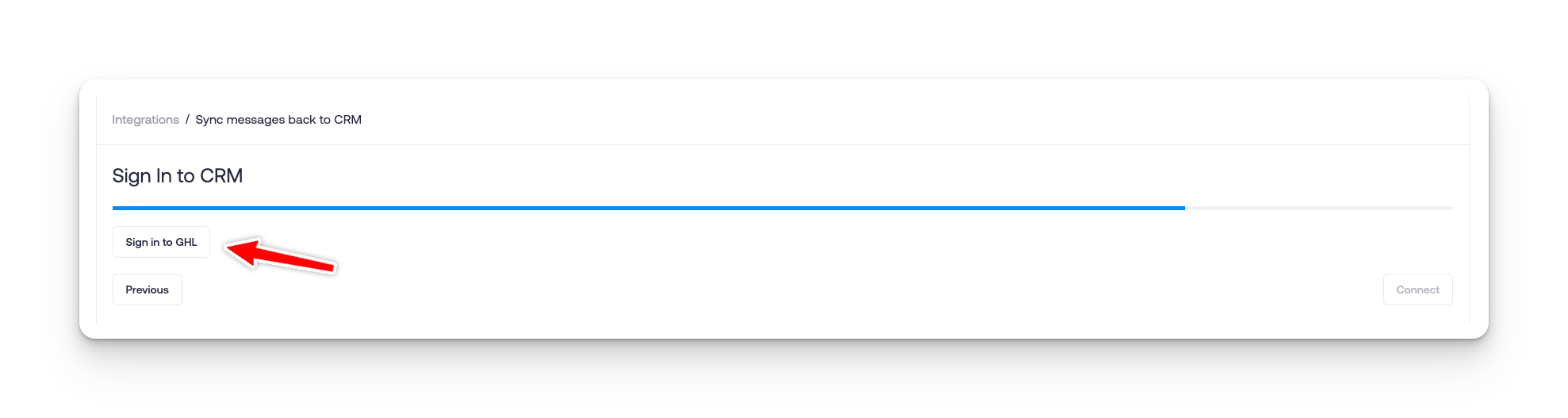
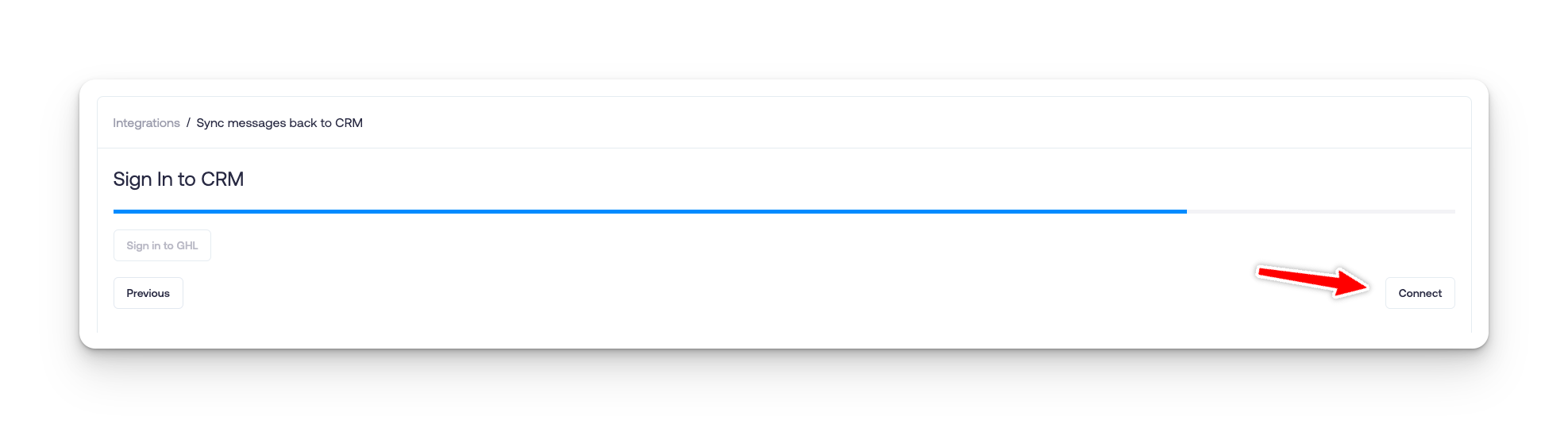
Use the Sign in to GHL flow when prompted.
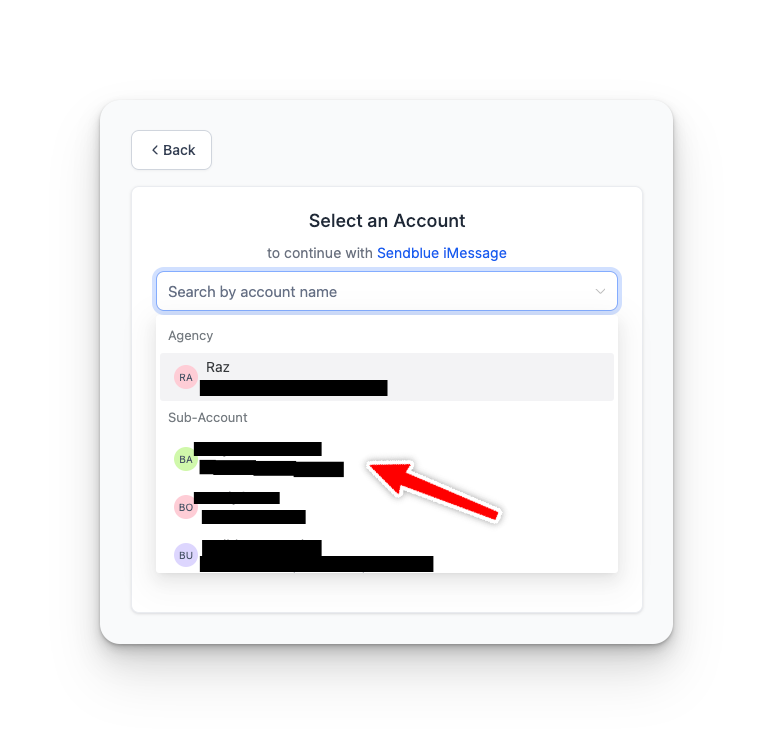
Select the correct GHL sub-account.
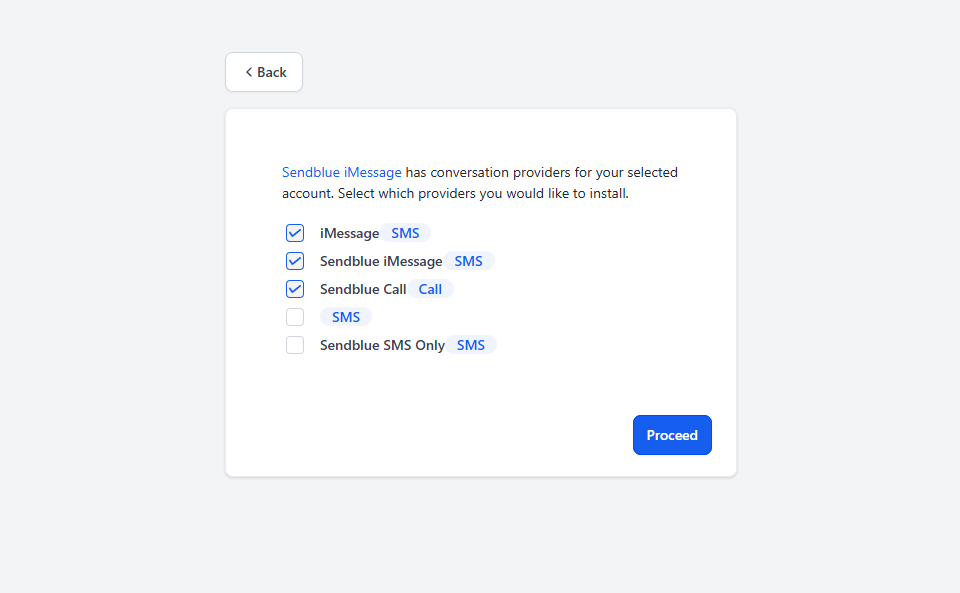
Finish the connect flow and make sure the expected checkboxes/options are enabled before completing setup.
What to test after connecting
Use one test lead in the exact sub-account you connected.
Confirm the lead path, messaging behavior, and account context all match what you expected.
If you rely on tags, media, or extension behavior, test those separately instead of assuming base auth proved everything.
Verify the team is working inside the correct GHL sub-account before declaring the integration complete.
Common mistakes
Connecting the wrong GHL sub-account and debugging the wrong workspace.
Treating an auth success screen as proof that the messaging path is correct.
Mixing separate questions — calling provider setup, media hosting, extension behavior, and mobile limitations — into one vague “GHL is broken” diagnosis.
Forgetting to test with a real contact in the connected sub-account.