Calling
Last updated: February 13, 2025
Overview
Sendblue allows you to make calls directly from the platform using the call button. This feature ensures quick and seamless communication with contacts while displaying relevant details like timezone and location.
Step-by-Step Instructions
Step 1: Initiate a Call
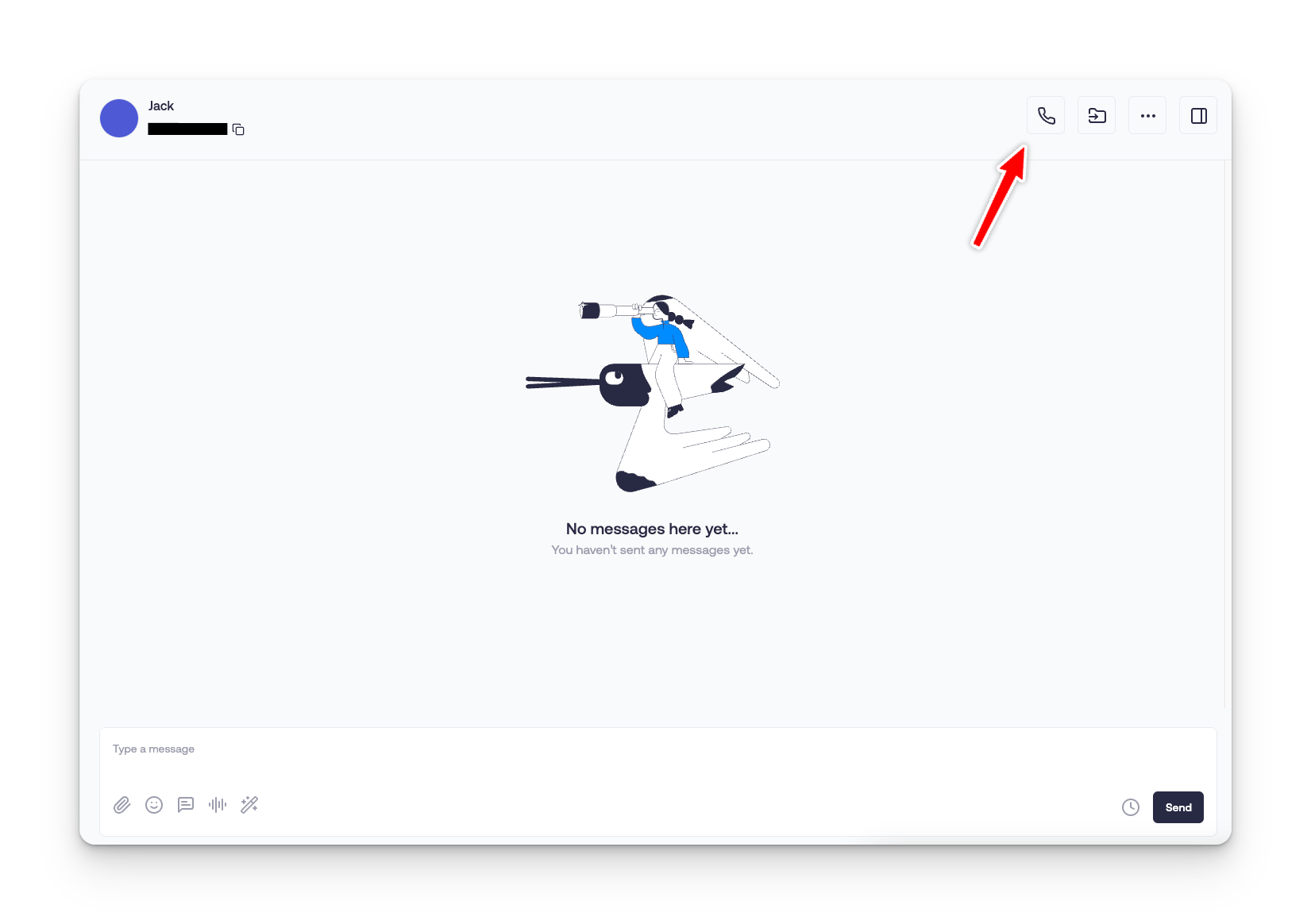
Navigate to the Conversations tab in the Sendblue dashboard.
Open an existing conversation with the contact you want to call.
Click the Call button to start the call.
Step 2: Call from the Correct Number
If you have multiple lines, the call will automatically be placed from the Sendblue number assigned to that conversation.
Step 3: View Call Details
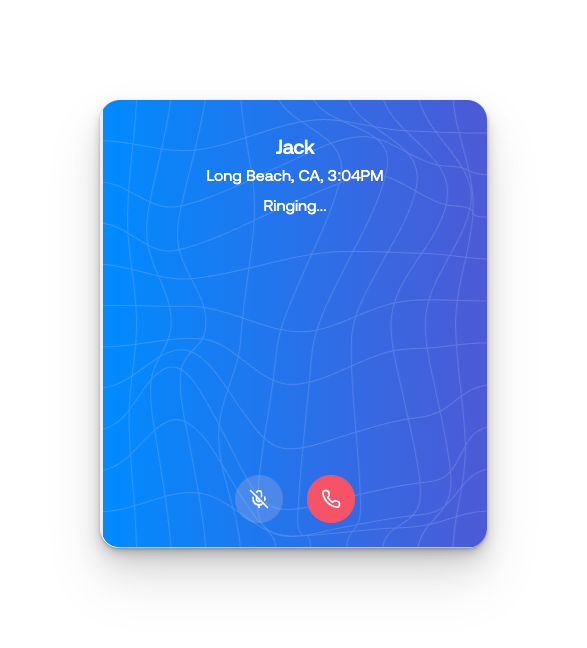
When you click the Call button, a pop-up will appear displaying:
The contact’s timezone
The contact’s location
Confirm the details and proceed with the call.
Additional Features
Call History: View call recordings in the conversation thread.
Additional Features
FAQ/Common Issues
Q: Can I switch the outgoing number before calling?
A: No, the call will be placed using the assigned Sendblue number for that conversation.
Q: Does Sendblue support international calls?
A: Yes, but availability depends on region.